
BrickLab Start building

44 designs to build

BrickLab

Brick sculptures in classic bricks and gear cubes, each at several resolutions. Free designs open straight into the 3D manual; premium ones turn on display until you unlock them.

3D step by stepFeatured buildsBricks & gear cubes

Latest builds

Every design comes in one or more resolutions: more pieces, more detail, a bigger model. Free ones open into the full 3D manual.

Show more

Two ways to build

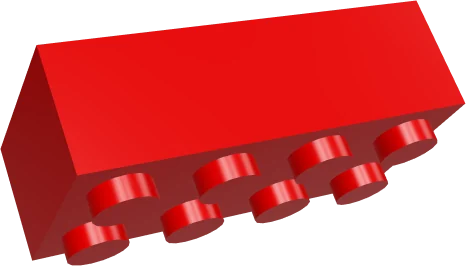
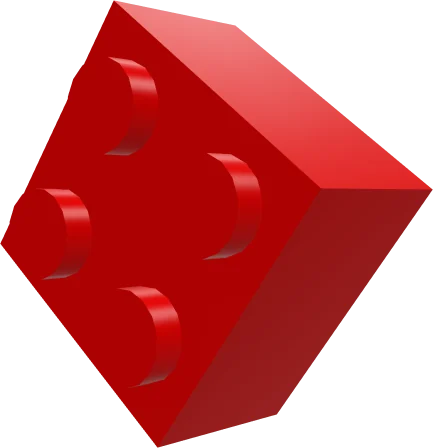
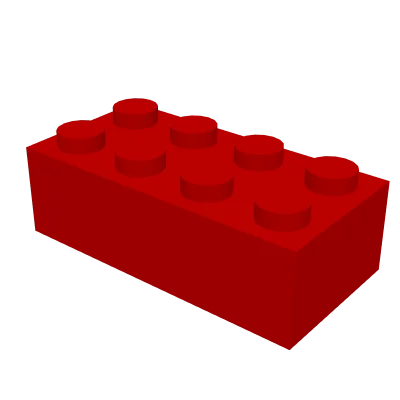
A red 2 × 4 brick
Classic bricks

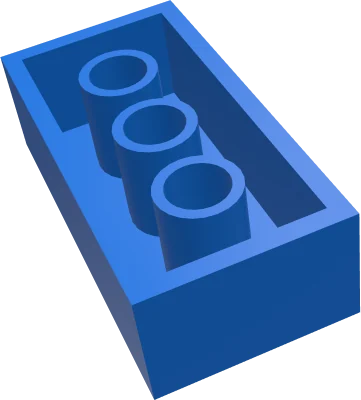
Studs and tubes

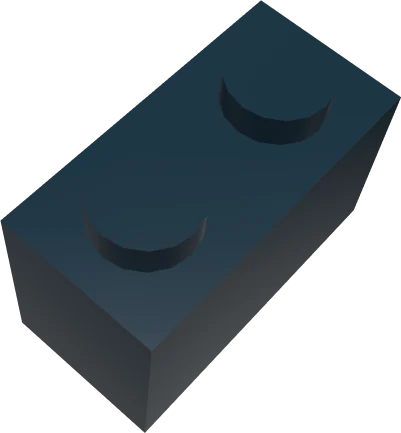
Bricks, plates, tiles and rounds that clutch by their studs. Layers are staggered so the sculpture holds together.

Pitch
8 mm stud to stud
Brick
9.6 mm tall, plate 3.2 mm
Library
56 parts · 48 colours
See all 56 parts ›
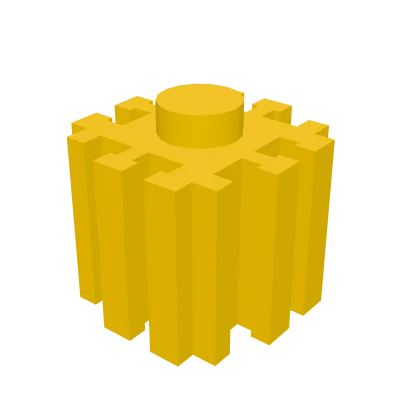
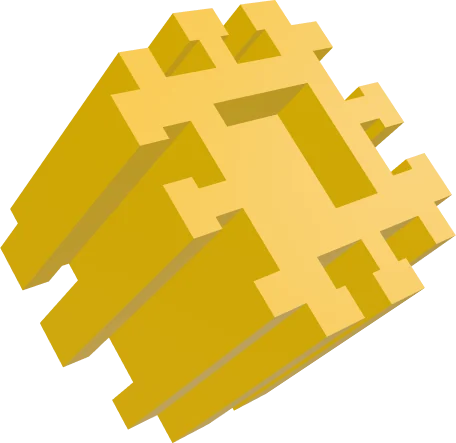
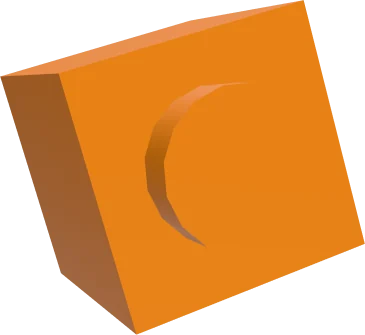
A yellow gear cube
Gear cubes

One cube, interlocking teeth

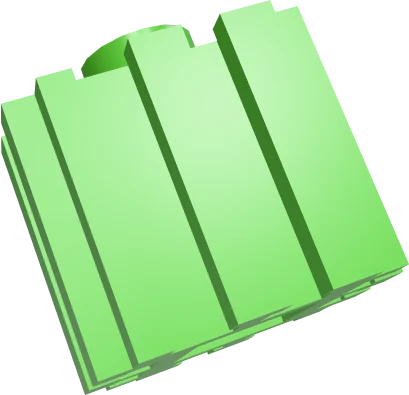
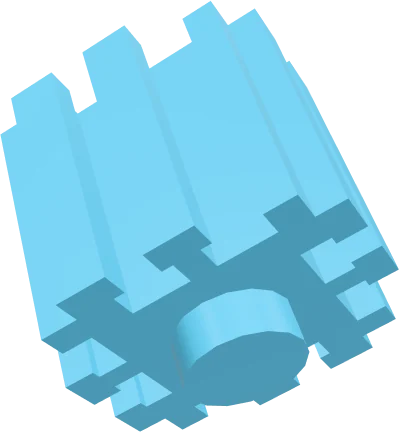
A single 8 mm cube with a stud on top and T-shaped teeth on every side, so cubes lock sideways without staggering.

Cube
8 mm (0.8 × 0.8 cm), one part
Colours
100
Shells
20–26% fewer pieces than bricks
Turn the gear cube in 3D ›

Free builds

Open the 3D model, turn it any way you like and follow every step with the parts listed for each one. No account needed.

Browse free builds ›

Premium designs

Watch the finished model turn on display at any resolution. The step-by-step manual and the parts list open when you unlock the design.

See premium designs ›

Coming: the BrickLab app

Buy designs from the builders you follow, and sketch new models with the AI designer.

Read about AI Studio ›

SoonAI Studio, in the BrickLab app

Describe it.
We'll brick it.

Type what you want to build. BrickLab AI drafts a sculpture in classic bricks or gear cubes, at the size you pick, with numbered steps and a parts list.

Gear cubes20k pieces100 colours